The short answer
Amazon product images should be at least 1000 pixels on the longest side so zoom works, in JPEG, PNG or TIFF. The main image must show the real product on a pure white background (RGB 255, 255, 255), fill about 85% of the frame, and carry no added text, logos, watermarks or props. A 2000 × 2000 pixel square JPEG is a safe default.
Check your image against these rules for freeAmazon image size and ratio
Amazon’s key number is 1000 pixels on the longest side. Below that, shoppers cannot zoom into the image, and zoom is one of the main ways they inspect a product before buying.
A square image uses the gallery best, because Amazon displays images in a square frame on both desktop and mobile. Tall or wide images still upload, but they appear smaller inside that frame.
| Setting | What to use | Why |
|---|---|---|
| Longest side | At least 1000 px | Required for zoom |
| Recommended export | 2000 × 2000 px | Sharp zoom without oversized files |
| Aspect ratio | 1:1 square | Fills the gallery frame on every device |
| Format | JPEG, PNG or TIFF | JPEG is the usual choice for photos |
| Color mode | RGB or CMYK | RGB is the safe default for screens |
Amazon main image rules
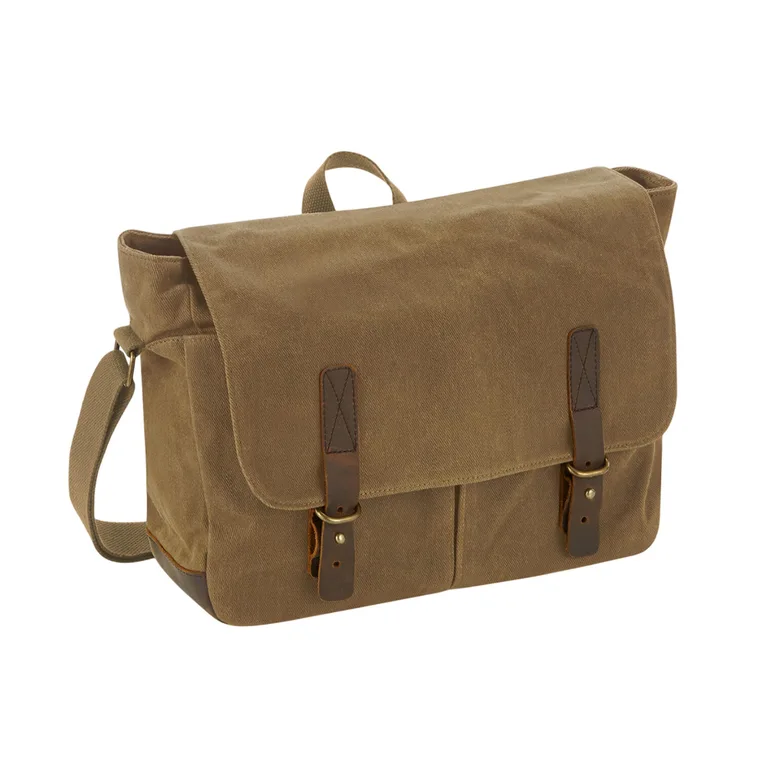
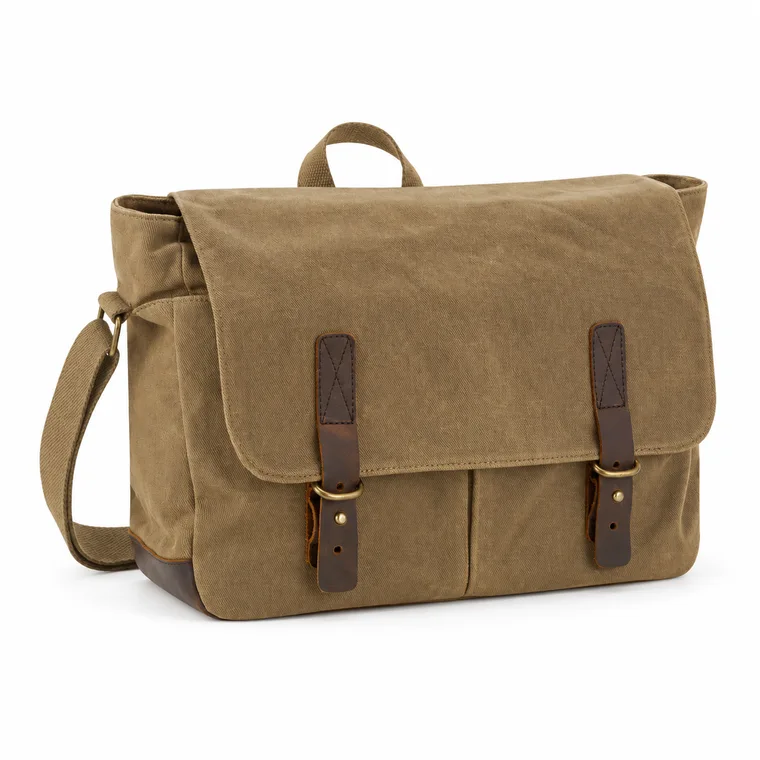
The main image appears in search results, so Amazon holds it to a stricter standard than the rest of the gallery. It must follow all of these rules:
- Pure white background: RGB 255, 255, 255. Light gray, gradients and cast shadows across the backdrop can fail.
- The product fills about 85% of the frame, without being cropped.
- It shows the actual product for sale, not an illustration or a render.
- No added text, graphics, badges, borders or watermarks. A logo printed on the product itself is fine.
- No props or accessories that are not included in the purchase.
- Well lit, in focus and showing the whole product.
What secondary images can show
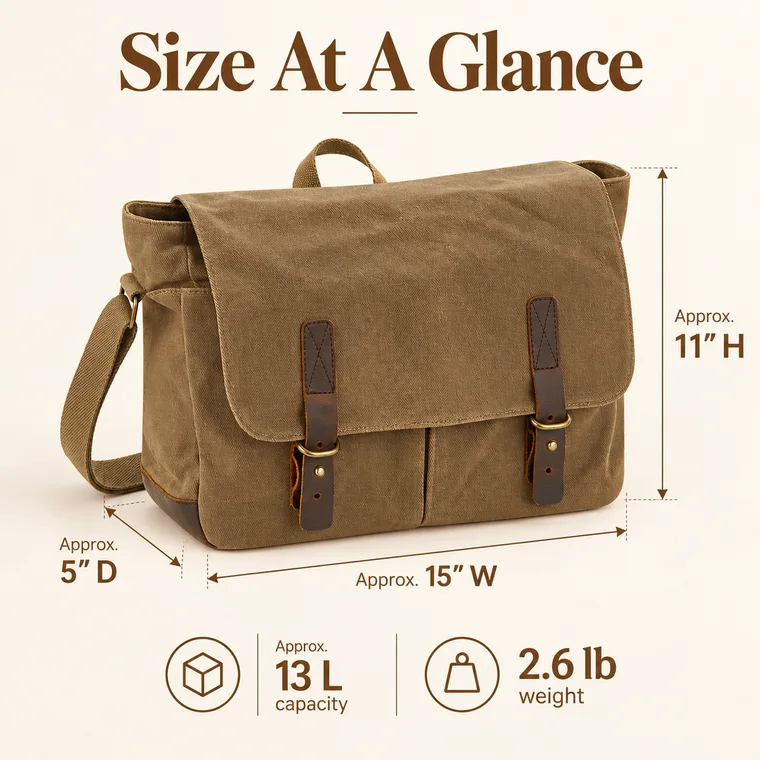
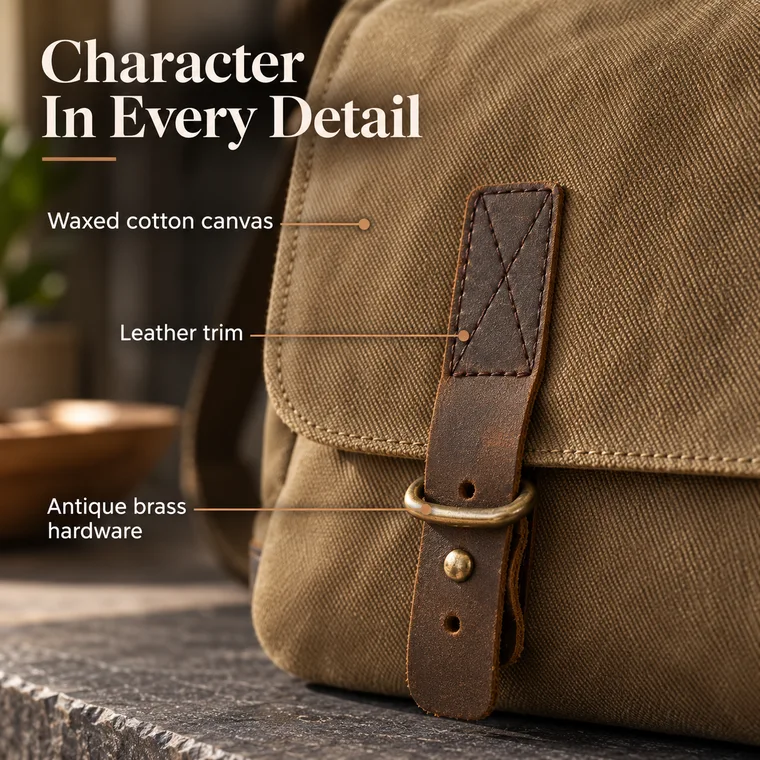
Secondary images have more freedom. Lifestyle scenes, callouts, comparison charts and size diagrams are all common. The product must still match what the shopper receives, in color, quantity, included items and size.
For a slot-by-slot plan, see how many images an Amazon listing should have.
File names and uploads
For bulk uploads, Amazon reads the file name to match each image to a product: the product identifier, then a variant code, then the extension. Use MAIN for the main image and PT01, PT02 and so on for the others, for example B0XXXXXXXX.MAIN.jpg and B0XXXXXXXX.PT01.jpg. In the listing editor you can also upload images one at a time.
Each child variation needs its own compliant main image. A missing or non-compliant image on one child can suppress that child even when the parent looks fine.
Category rules can be stricter
Some categories add their own requirements, particularly apparel, shoes and jewelry, which have rules about models, positioning and multipacks. Check your category’s style guide in Seller Central before you shoot, because it overrides general advice, including this page.
Common questions
What is the best image size for Amazon?
2000 × 2000 pixels is a practical default. It clears the 1000 pixel zoom threshold comfortably and fills the square gallery frame.
Does the Amazon main image have to be white?
Yes. The main image must use a pure white background, RGB 255, 255, 255. Secondary images can use other backgrounds.
What does the 85% rule mean?
The product should fill about 85% of the image frame, so it looks large and clear in search results. Leave a small margin rather than cropping any part of the product.
Can I upload WebP images to Amazon?
Amazon’s published formats are JPEG, PNG and TIFF, so convert WebP files before uploading.
Sources
Platforms change their rules, so check the latest requirements in your seller account before you upload.