The short answer
For square product images, Shopify says 2048 × 2048 pixels usually displays best. The upload limits are 5000 × 5000 pixels (25 megapixels) and under 20 MB. Shopify doesn’t require one ratio, but using the same ratio for all your main product images keeps collection pages tidy.
Check your image against these rules for freeShopify image size limits
Shopify generates the smaller versions it needs, so upload one good large image. Photos usually compress better as JPEG, so a high-quality JPEG can be a sensible choice for detailed photos, even though PNG is listed first.
| Setting | Shopify’s guidance |
|---|---|
| Recommended square size | 2048 × 2048 px |
| Maximum dimensions | 5000 × 5000 px, or 25 megapixels |
| Maximum file size | Under 20 MB |
| Best formats | PNG, then JPEG |
| Also accepted | TIFF, BMP, GIF, SVG, HEIC, WebP |
| Automatic sizes | Shopify creates smaller versions for different parts of your theme |
Which aspect ratio should you choose?
Collection pages place products side by side. If their images use different ratios, the grid looks uneven. Choose one ratio for all main images:
| Ratio | Example size | Works well for |
|---|---|---|
| 1:1 square | 2048 × 2048 | Most products, and the easiest to reuse on marketplaces |
| 4:5 portrait | 1600 × 2000 | Apparel and products that are taller than they are wide |
| 3:4 portrait | 1536 × 2048 | Fashion and full-length views |
Check how your theme handles product media before you shoot. Many themes can crop or fit images to one ratio in their settings.
What a good Shopify image set looks like
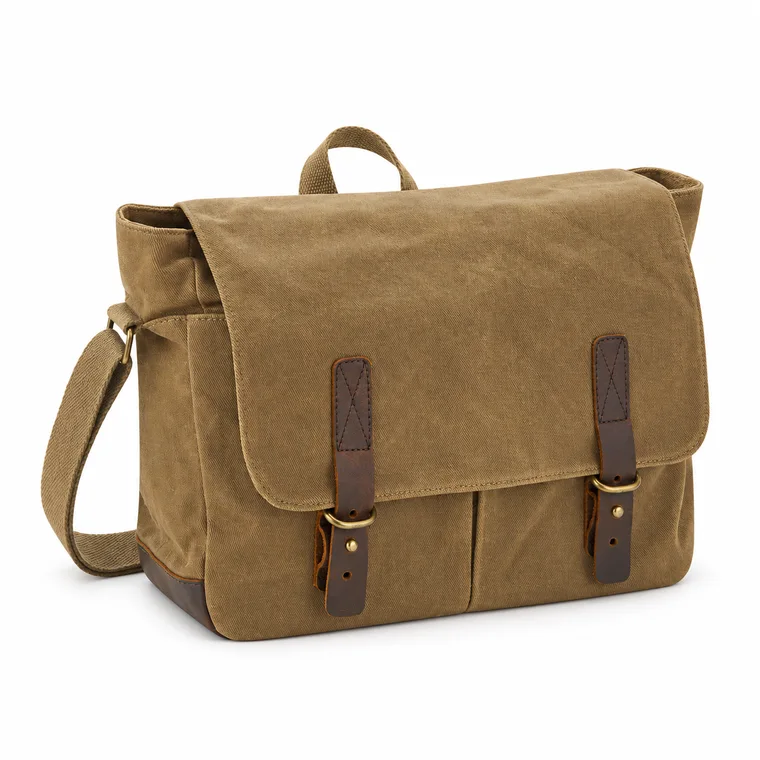
Shopify doesn’t require a white background, but a clean main image keeps collection pages consistent and helps with shopping feeds. Your own store can then lean more into brand style than a marketplace allows:
- A clean main image, in the same style across products.
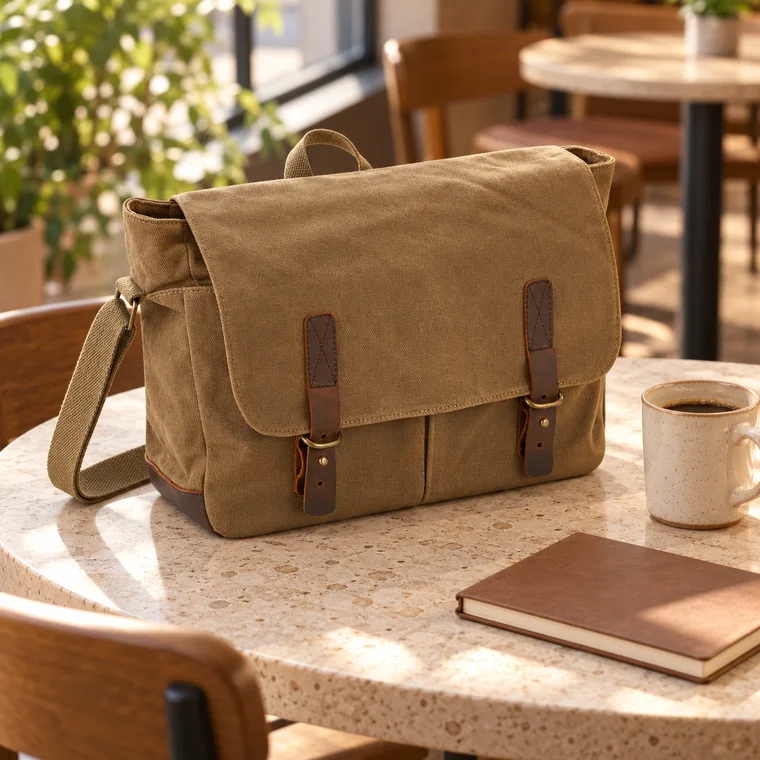
- Lifestyle images that match your brand.
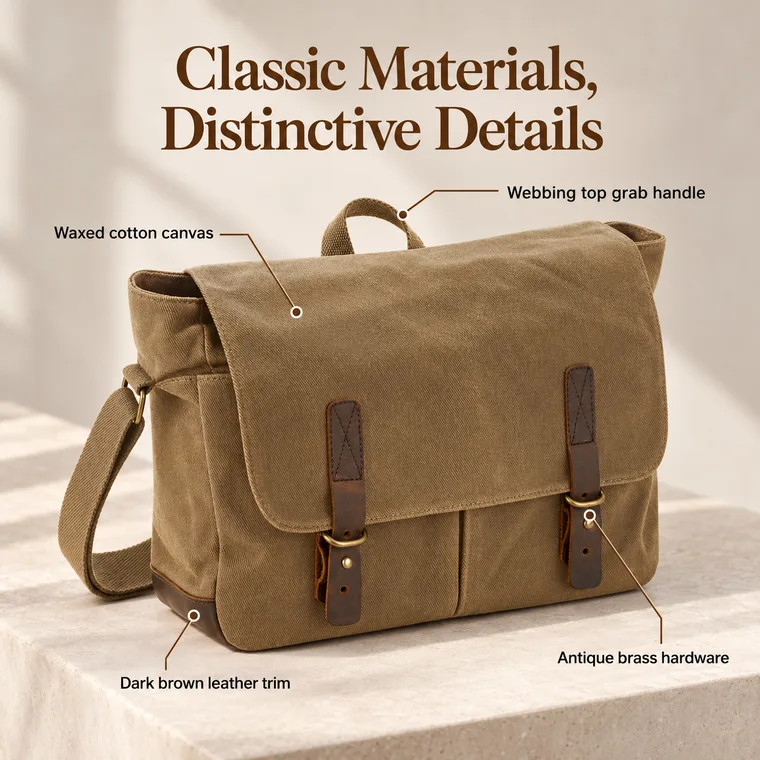
- A labeled feature image, if it helps explain the product.
- Close-ups of materials and details.
- A size reference and what’s included.
Keep images fast
Large images can slow a page down, even though Shopify resizes them. Don’t upload far beyond what you need. 2048 pixels is enough for most themes, and a well-compressed file is usually well under a few megabytes. Also give every image useful alt text.
Common questions
What is the best image size for Shopify products?
Shopify says 2048 × 2048 pixels usually displays best for square product images.
What is the maximum Shopify image size?
5000 × 5000 pixels, or 25 megapixels, and under 20 MB.
Do Shopify product images have to be square?
No. They can use other ratios, but all main product images should use the same ratio so they display at the same size on collection pages.
Why do my Shopify images show at different sizes?
Usually because they use different ratios. See our fixes for common image problems.
Sources
Platforms change their rules, so check the latest requirements in your seller account before you upload.