The short answer
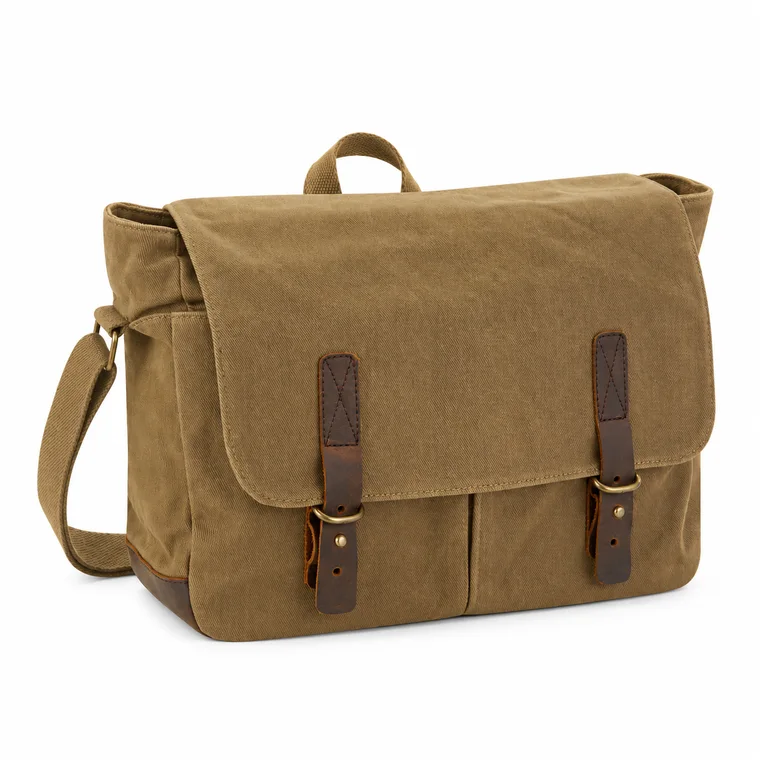
TikTok Shop allows up to 9 square product images, each at least 600 × 600 pixels. The main image must show the front of the product on a pure white background. No product image can have added logos, text, borders or watermarks, and digital renders and black-and-white images are not allowed.
Check your image against these rules for freeTikTok Shop image size and specs
The 600 pixel minimum is only the floor. Shoppers look closely at photos on high-resolution phones, so export larger. ShineSnap uses 1600 × 1600. Third-party guides also commonly mention a 5 MB file limit, so keep files under that size and check the upload screen in Seller Center.
| Requirement | TikTok Shop rule |
|---|---|
| Number of images | Up to 9 per product |
| Shape | Square (1:1) |
| Minimum size | 600 × 600 px |
| Color | Full color: black-and-white is not accepted |
| Recommended export | 1600 × 1600 px, for sharper detail on phones |
Main image rules
- Show the front of the product.
- Use a pure white background.
- Present the product objectively, without staging or added effects.
- Show only what the customer will receive.
Rules for every product image
This is where TikTok Shop differs most from Amazon: the ban on added text covers all product images, not just the main one, so infographics do not belong in the product gallery.
- No added logos, text, borders or watermarks.
- No graphics covering the product or in the background.
- No placeholders or digital renderings of the product.
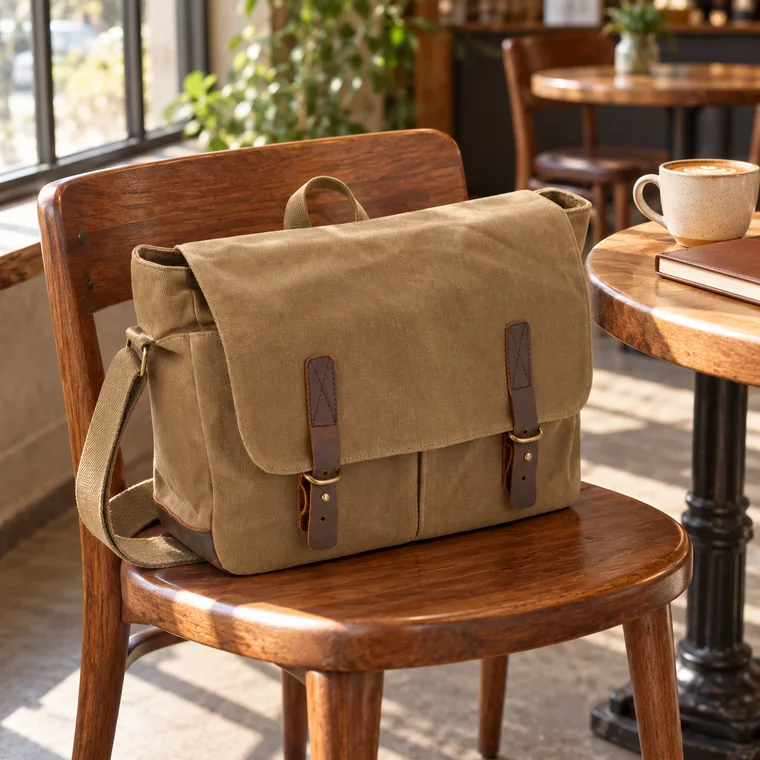
- Show different views: the front, back, sides and details. Repeating the same angle is not allowed.
- Only show items the customer will actually receive.
For children’s swimwear and undergarments, products must be displayed flat, with no child models or mannequins.
A photo plan that fits the rules
TikTok Shop shoppers usually arrive from short videos and trust what looks real. With no text allowed, photos must tell the story on their own:
- Main image: front view on pure white.
- Lifestyle: the product in a normal, believable setting.
- In use: a person actually using it, shot in a natural way.
- Close-up: material, stitching or finish.
- Another angle: the back or side.
- Size in context: next to a hand or a familiar object.
- What’s in the box: everything included, laid out neatly.
Where explanations can go
Use the product description for sizes, care and how-to information. TikTok Shop’s description can include images, which is a better home for size guides and short explanations than the gallery. See the TikTok Shop listing optimization guide.
Common questions
What is the best image size for TikTok Shop?
The required minimum is 600 × 600 pixels, square. A larger square, such as 1600 × 1600 pixels, looks sharper on modern phones.
Can I put text on TikTok Shop product images?
No. The listing policy bans added logos, text, borders and watermarks on all product images, not only the main image.
Does the TikTok Shop main image have to be white?
Yes. The policy says the main image must show the front of the product on a pure white background.
How many images can I upload to TikTok Shop?
Up to 9 square images per product. TikTok Shop’s seller guidance suggests using at least 5.
Sources
Platforms change their rules, so check the latest requirements in your seller account before you upload.