The short answer
To get a true white background, shoot the product near a window against white paper, then replace the background in an editor or AI tool and check it with an eyedropper. Pure white reads RGB 255, 255, 255. A background that only looks white can still fail on Amazon and TikTok Shop, which require pure white main images.
Check your image against these rules for freeWhich marketplaces require it
Read the full rules for Amazon, TikTok Shop and Shopify.
| Marketplace | Main image background |
|---|---|
| Amazon | Pure white required (RGB 255, 255, 255) |
| TikTok Shop | Pure white required |
| Shopify | Not required, but it keeps collection pages consistent |
A simple setup with a phone
You do not need a studio. The goal is a sharp photo with even light. The background can be fixed afterward.
- Place the product on a large sheet of white paper or foam board, curved up behind it, near a window.
- Use soft daylight. Avoid direct sun and mixed room lights, which add color casts.
- Put a second white board on the side away from the window, to soften shadows.
- Steady the phone, tap to focus on the product, and use the main lens rather than digital zoom.
- Take several shots, including every side you plan to show.
How to check for pure white
Your eyes adapt to the page around a photo, so they cannot judge this reliably. Use a tool:
- Open the image in any editor with an eyedropper or color picker.
- Sample the background in the corners, along the edges and right next to the product.
- Each sample should read 255, 255, 255, or #FFFFFF.
- If it does not, fill the background rather than raising the brightness, which also washes out the product.
Watch for the halo. Background removal often leaves off-white pixels along the product’s edge, and these are a common reason a “fixed” image still fails.
When AI background replacement is safe
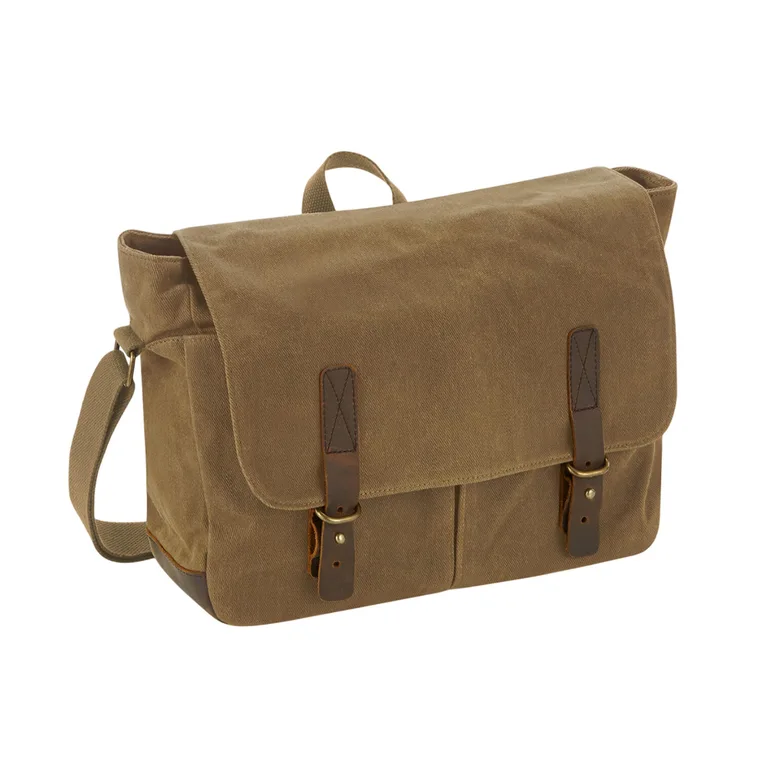
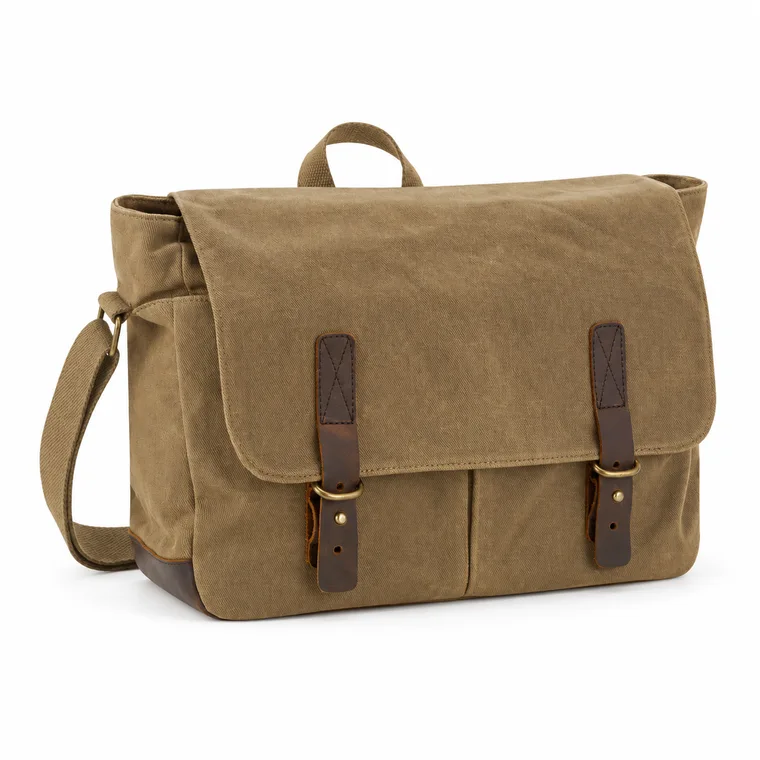
Replacing the background of a real photo is an ordinary edit, and AI tools do it well. The risk is that some tools redraw the product too. After any AI edit, compare the result with your original photo:
- Color and finish match.
- Logos and printed text are unchanged and readable.
- Shape, straps, seams and hardware are the same.
- No parts have been added or lost at the edges.
Framing and export
- Fill about 85% of the frame, without cropping the product.
- Keep it square. 2000 × 2000 pixels suits most marketplaces.
- Use a soft natural shadow only if the platform’s rules allow it, and check that it does not tint the background.
- Flatten transparency to white before saving a JPEG, so empty areas do not turn black.
Common questions
What is pure white in a product photo?
RGB 255, 255, 255, or #FFFFFF. Check it with an eyedropper, because near-white can look identical on screen.
Can I take white background product photos with a phone?
Yes. Use window light and white paper to get a clean, sharp photo, then replace the background in an editor or AI tool.
Why does my white background look gray?
Cameras expose white areas as mid-tones, so white paper photographs as light gray. Replace the background in editing rather than only brightening the image.
Can a product have a shadow on a white background?
A subtle natural shadow is commonly used, but it must not change the rest of the background from pure white. Check your marketplace’s rules, and your category style guide on Amazon.
Sources
Platforms change their rules, so check the latest requirements in your seller account before you upload.